
Stock Transfer Management Software for Retail
Move inventory seamlessly between stores and warehouses with Divox Retail’s Stock Transfer Management feature. Track stock movements in real time, automate inventory updates, reduce stock shortages, and maintain complete visibility across all business locations.
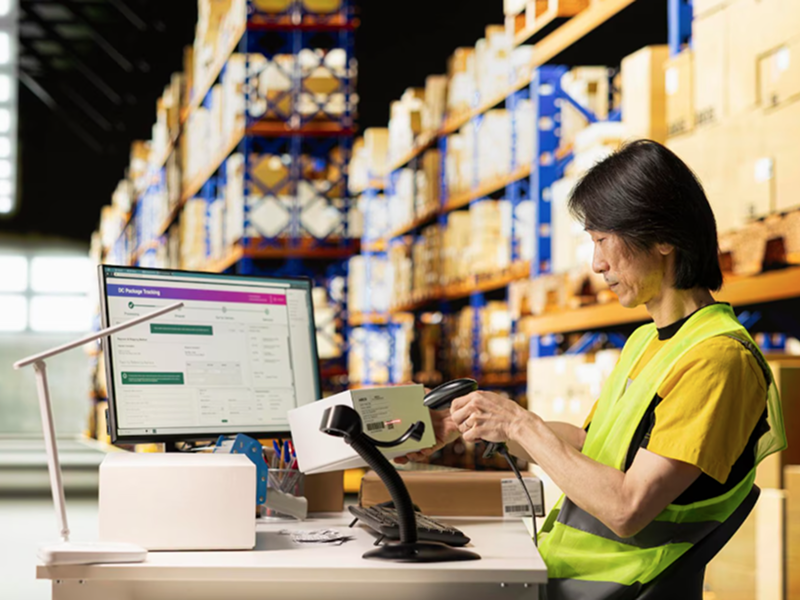
Managing inventory across multiple stores and warehouses requires efficient stock movement and accurate tracking. Without a centralized stock transfer system, businesses often face delayed replenishments, inventory discrepancies, overstocking at one location, and stock shortages at another.
Divox Retail’s Stock Transfer feature simplifies inventory movement by allowing retailers to transfer products between stores, warehouses, and distribution centers with complete transparency. Every transfer is tracked from request to receipt, ensuring inventory is updated automatically and stock remains accurate across every location.
Whether you operate multiple retail outlets, franchise stores, or regional warehouses, Divox Retail helps you maintain optimal inventory levels while improving operational efficiency.
Effortless Store-to-Store Stock Transfers
Transfer inventory between retail stores in just a few clicks. Create transfer requests, approve shipments, and monitor product movement from dispatch to delivery without manual paperwork.
Key Features
- Store-to-store transfers
- Transfer request creation
- Transfer approvals
- Dispatch tracking
- Delivery confirmation


Warehouse Inventory Distribution
Manage inventory distribution between warehouses and retail outlets with centralized stock allocation. Ensure each location receives the right products at the right time.
Key Features
- Warehouse transfers
- Stock allocation
- Distribution planning
- Warehouse availability
- Inventory balancing
Real-Time Inventory Synchronization
Every stock transfer automatically updates inventory levels at both the sending and receiving locations. Maintain accurate stock records without manual adjustments.
Key Features
- Live inventory updates
- Automatic stock deduction
- Automatic stock addition
- Multi-location synchronization
- Inventory movement history


Transfer Tracking & Approval Workflow
Monitor every stage of the stock transfer process with approval workflows, transfer statuses, shipment tracking, and complete audit trails for improved accountability.
Key Features
- Multi-level approvals
- Transfer status tracking
- Shipment tracking
- Audit logs
- User activity history
Stock Movement Reports & Analytics
Gain complete visibility into inventory movement with comprehensive reports and dashboards. Analyze transfer history, warehouse performance, inventory trends, and operational efficiency.
Key Features
- Transfer reports
- Inventory movement analytics
- Warehouse performance
- Transfer history
- Operational dashboards

Frequently Asked Questions
What is Stock Transfer Management in Divox Retail?
Stock Transfer Management allows retailers to move inventory between stores, warehouses, and distribution centers while automatically updating inventory levels and tracking every transfer.
Can I transfer stock between multiple store locations?
Yes. Divox Retail supports seamless stock transfers between multiple stores, warehouses, and business locations from a centralized dashboard.
Does inventory update automatically after a transfer?
Absolutely. Once a transfer is completed, inventory is automatically deducted from the source location and added to the destination location in real time.
Can I track the status of stock transfers?
Yes. Divox Retail provides complete visibility into transfer requests, approvals, dispatch status, delivery confirmation, and transfer history.
How does Divox Retail improve stock transfer management?
Divox Retail streamlines inventory movement through automated stock updates, approval workflows, warehouse distribution management, and detailed reporting, helping businesses maintain accurate inventory and improve operational efficiency.